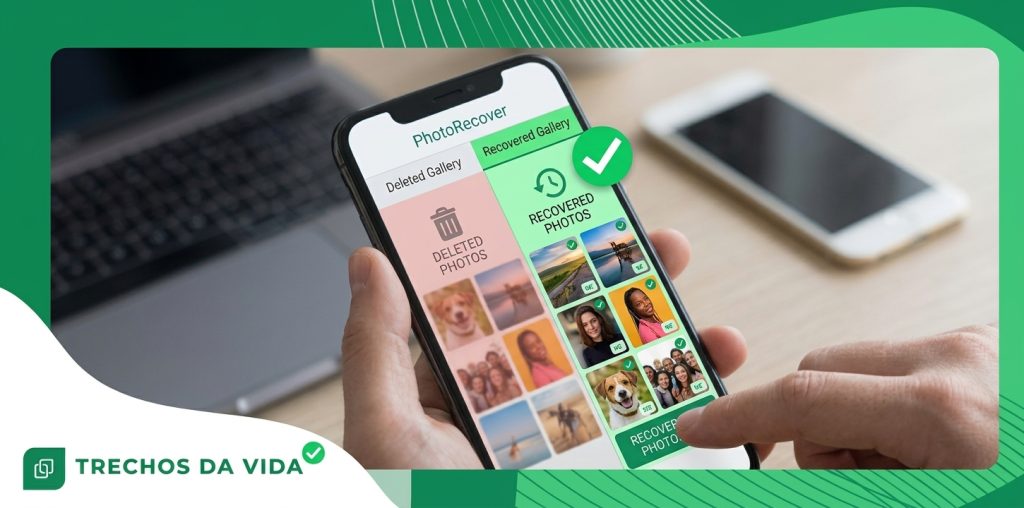
Lost a photo, video or file? Here's where to look first
A wrong tap can erase a precious memory, but often leaves a way back.
Advertisements
Choose what went missing below and follow the guide for that type of file.
Which one did you lose?
Your memories may still be there.Start with the photos guide and see where deleted pictures usually hide.Show me where to lookA tap, and it's gone.
Most of us have been there.
You are scrolling through your gallery, cleaning up a few things, and one wrong tap sends a picture of a birthday, a clip of your kids laughing or a document you needed for tomorrow into thin air.
Your stomach drops. The screen looks the same as before, only emptier.
Here is the part that rarely gets said out loud: that feeling of “it is over” is often wrong.
Phones are built to forgive small mistakes. The people who design them know that fingers slip, so deleting is rarely the instant, final act it seems to be.
This page walks you through how that safety net works and how to use it before the window closes.
Where your phone hides deleted items
When you delete a photo, a video or a file, the phone does not shred it. It quietly moves the item to a holding area.
- On iPhone, this is the Recently Deleted folder.
- On Android, it is the Trash or Bin, usually reached from the menu of your gallery or files app.
- How long? Items usually stay there for about 30 days, and sometimes longer, before they are removed for good.
Even after that holding period ends, the item does not vanish like a flame going out. The phone simply stops protecting that space and marks it as ready to be reused.
Imagine a parking spot with the reserved sign removed. The car may still be parked there until another car arrives.
Whatever your phone saves next decides how long the old data survives.
The ten-minute rule
If you remember only one thing from this page, do it this: the first minutes matter most.
Stop what you are doing and put the phone down for a moment. Resist the urge to open five apps, clear more storage or take a few test photos to see whether anything has changed.
Every new action gives the phone a reason to write fresh data, and fresh data is what overwrites old data.
Switching on airplane mode is a small step that calms things down, because it pauses downloads and background updates while you work out what to do. Think of it as holding the door shut while you look for the key.
A quick tour of the places worth checking
Once you are calm, go through these spots in order. Most lost items turn up in one of the first three.
- The holding area. Recently Deleted on iPhone, Trash or Bin on Android. If you see the item, select it and choose Restore. That's the whole job.
- Your backup. Many people have automatic backup switched on without remembering it. A copy may be sitting in your cloud storage, and that storage has a trash of its own with its own waiting period.
- Another device. A tablet or an older phone signed in to the same account may still show the item, because it received a copy before the deletion.
- Where did you send it?. If you shared the picture or the document in a chat or an email, the copy you sent may still be there, and you can save it again.
- Your memory card. If your phone uses one, open your file manager and look through its folders. Some phones save photos and downloads to the card instead of the internal storage.
Photos, videos and documents: three different stories
The type of item changes the odds, which is why this site has a separate guide for each one.
Photos are small and are the most likely to have been saved to the cloud without you noticing. That often makes them the easiest to bring back.
Videos are heavy. People delete them to make room, and because they are large, new data can cover them sooner. If you lost a video, speed matters even more.
Files depend on the app that made them. Some are kept in a trash for a while and some are not, and certain types cannot be brought back once they leave the trash.
This does not mean you should give up. It means you should check every place before deciding.
Choose the button above that matches what you lost and the guide will take you through it step by step.
If the trash comes up empty
Sometimes the item is not in the trash and not in a backup. At that point, a recovery app may be worth a careful try.
These apps look through your phone's storage for items that were marked as available but have not been overwritten yet.
Treat this option with a little caution:
- Download only from the official store for your phone, which is Google Play on Android and the App Store on iPhone.
- Read the permissions before you accept them and ask yourself whether they make sense for what the app claims to do.
- Prefer an app that lets you preview what it found before you pay or restore anything.
- Always save recovered items somewhere new instead of the place they came from.
Be realistic about the result. How well it works depends on how long ago you deleted the item and how much you have used the phone since. Nobody can promise a perfect outcome, and you should be wary of anyone who does.
Habits that protect you next time
Once you have your item back, a few small habits make the next accident much less painful.
- Turn on automatic backup so that new photos, videos and documents are saved soon after they are created.
- Keep some room available on your phone, because a nearly full device is more likely to run into trouble.
- Install system updates when they arrive, since they often fix bugs and improve stability.
- Pause before deleting. Before you delete something in a hurry, take two seconds to ask yourself whether you are sure.
A backup that you check every few months is worth more than any rescue after the fact.
Your next step
You now know where deleted items go, why time matters and which places to check first.
The only thing left is to choose what you lost. Open the guide for photos, videos or files, and follow it one step at a time.
Back to the guides ↑Results are not guaranteed. Success depends on the time since deletion and on how the device was used afterwards.