Wi-Fi 7: Is it worth changing your router?
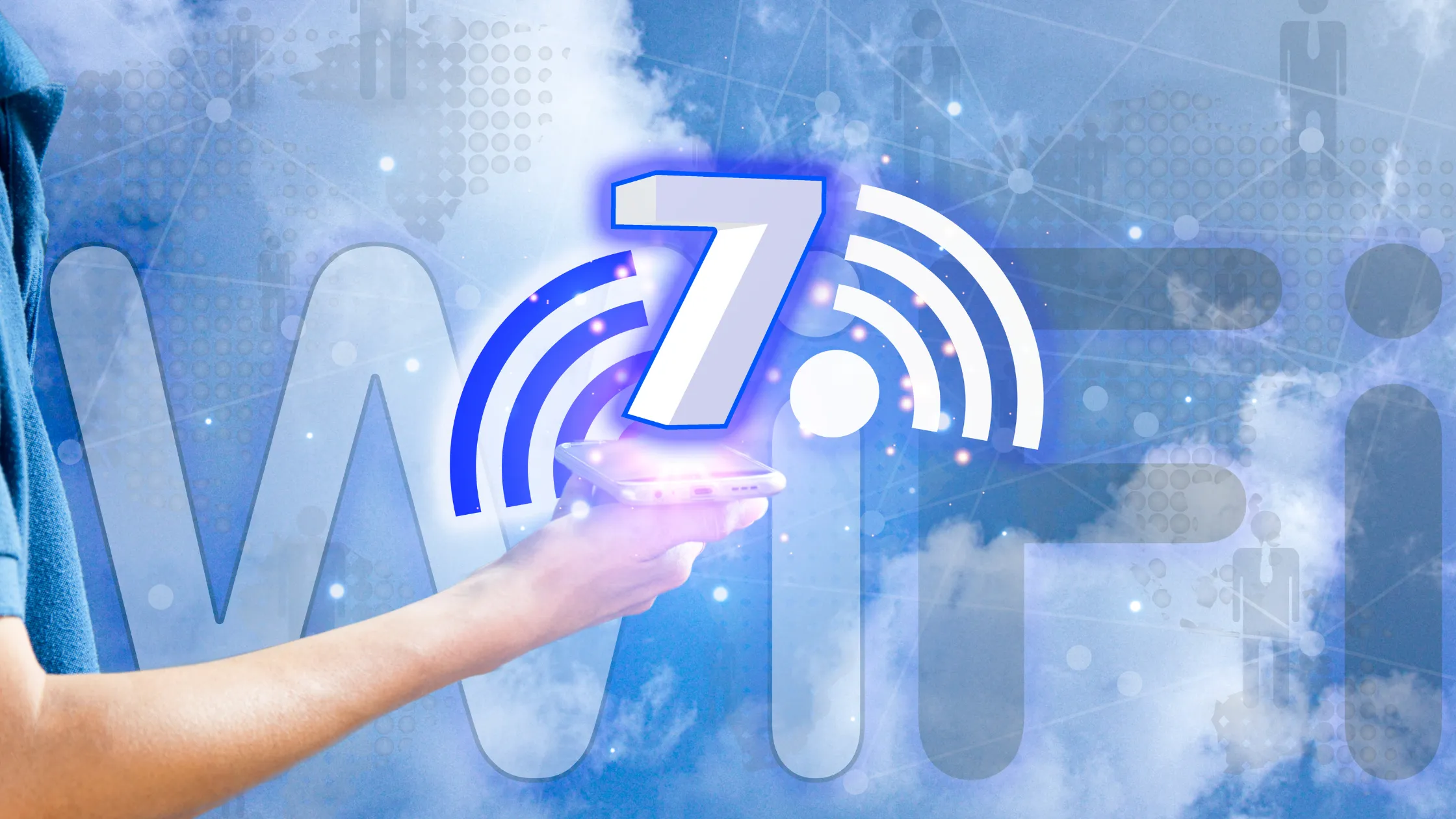
The arrival of Wi-Fi 7 It redefines our home connection. This new generation promises incredible speeds and near-zero latency, completely transforming the current digital experience.
Advertisements
Given this level of progress, a crucial question arises: do you really need to spend money upgrading your devices right now? Let's analyze each technological aspect in detail.
To guide your reading, we've prepared a complete roadmap about this innovation. Discover its features, costs, compatibility, and whether it's time to invest.
Summary
- What changes with the new technology?
- Key technical features explained
- Comparison of network generations
- Who really benefits now?
- Cost-benefit analysis in 2026
- Conclusion and technical verdict
- Frequently Asked Questions (FAQ)
What is Wi-Fi 7 and how does it work?
This technology represents the IEEE 802.11be standard. It was designed to handle massive flows of simultaneous data, optimizing frequencies that were previously congested.
Unlike past generations, the Wi-Fi 7 It operates simultaneously in three frequency bands. It utilizes the 2.4 GHz, 5 GHz, and the new 6 GHz band channels.
This joint operation intelligently distributes traffic. The system avoids severe bottlenecks, ensuring smooth browsing even with dozens of connected devices.
What are the main technical advantages of this technology?
The increased bandwidth is the major commercial highlight. Transmission channels have doubled in size, going from 160 MHz to an impressive 320 MHz in width.
The MLO (Multi-Link Operation) feature allows devices to send and receive data over multiple bands simultaneously. This reduces latency to imperceptible levels.
Another fantastic advancement is 4096-QAM modulation. It compresses more information into each radio signal, increasing the final speed by up to twenty percent.
++ eSIM: How the technology is replacing physical chips in smartphones.
How does Wi-Fi 7 compare to previous generations?
To understand the evolutionary leap, we need to analyze the cold, hard numbers. The official specifications of Intel They demonstrate a performance gap between the standards.
While sixth-generation connections reached theoretical speeds of 9.6 Gbps, the new standard achieves an impressive 46 Gbps. This capacity meets the severe demands of future residential connections.
The table below summarizes the main technical differences between the most common standards currently found on the Brazilian market, making them easy to visualize directly.
| Technical Resource | Wi-Fi 5 (802.11ac) | Wi-Fi 6E (802.11ax) | Wi-Fi 7 (802.11be) |
| Maximum Speed | Up to 6.9 Gbps | Up to 9.6 Gbps | Up to 46 Gbps |
| Bands Used | 5 GHz | 2.4 / 5 / 6 GHz | 2.4 / 5 / 6 GHz |
| Channel Width | 80 to 160 MHz | Up to 160 MHz | Up to 320 MHz |
| Base Modulation | 256-QAM | 1024-QAM | 4096-QAM |
Is it worth upgrading your router to Wi-Fi 7 today?
The short answer depends on your current ecosystem of devices. There's no point in buying a powerful router if your cell phones don't support the new technology.
However, if you work with transferring huge files on your local network, migration makes sense. The productivity gains justify the investment.
Extreme home automation scenarios also benefit immediately. Hundreds of smart devices connected simultaneously require the stability that this new standard offers.
++ Meta AI app: what changed after the upgrade with Muse Spark in 2026
Which devices are already compatible with the new standard?
The latest premium smartphones are leading this market transition. Advanced, next-generation processors already come with compatible connectivity chips integrated from the factory.
High-end motherboards for computers have also natively adopted the standard. Advanced corporate notebooks are starting to display the compatibility seal this year.
Gradually, mid-range devices will receive the technology in the coming months. The replacement of the global technology park should take about three full years.
What are the real costs of this technological migration?
Routers compatible with the new technology currently have high prices. Imported or certified models require a considerable financial investment from the Brazilian consumer.
In addition to the central router, it may be necessary to upgrade mesh repeaters. Creating a modern unified network requires equipment of the same technical category.
Add to that calculation the cost of new adapters for older computers. Replacing internal components raises the total cost of the home upgrade.
We recommend caution before making this important financial decision. Assess whether your contracted internet speed justifies such a robust device.
Does Wi-Fi 7 improve signal range throughout the house?
The gross range in the 6 GHz band is shorter due to the laws of physics. Shorter waves suffer greater attenuation when passing through thick walls.
This means you maintain stability even when changing rooms. The transition between bands occurs without drops or stutters in the transmission.
For large residential roofs, the Mesh system remains indispensable. It distributes high-speed nodes evenly throughout the property.
++ Foldable smartphones: Is it worth investing in the latest models?
Conclusion: The verdict on the update
Technology represents the inevitable future of our wireless connections. Its ability to manage data resolves complex structural bottlenecks that limited older networks.
Despite this, the current market situation demands patience from most consumers. Waiting for prices of new routers to drop seems like the rational choice.
The transition to Wi-Fi 7 It only makes immediate sense for specific enthusiasts or professionals. If you're looking for absolute peak performance, go ahead.
For the general public, the current standard will continue to perfectly meet daily needs. Monitor price changes before making your final decision.
For additional technical details regarding network certification and security, you can consult the specialized portal of [website/organization name]. Wi-Fi Alliance, the official global organization.
Frequently Asked Questions (FAQ)
Is Wi-Fi 7 compatible with my older devices?
Yes, the standard is fully backward compatible with older devices. Your current cell phones and laptops will work normally on the new router, but limited to the old speeds.
Do I need to change my network cables to use the new standard?
To extract the theoretical maximum speed from Wi-Fi 7, We recommend using Cat6A or Cat7 category cables to connect the provider's modem to the main router.
Does this new standard reduce ping in online games?
Absolutely. Thanks to the Multi-Link Operation feature, latency drops dramatically, offering wireless connection stability very close to that of a traditional network cable.
Does Wi-Fi 7 consume more power in mobile devices?
No, energy efficiency has been significantly improved. The chips intelligently manage data transmission times, preserving the battery life of compatible smartphones.