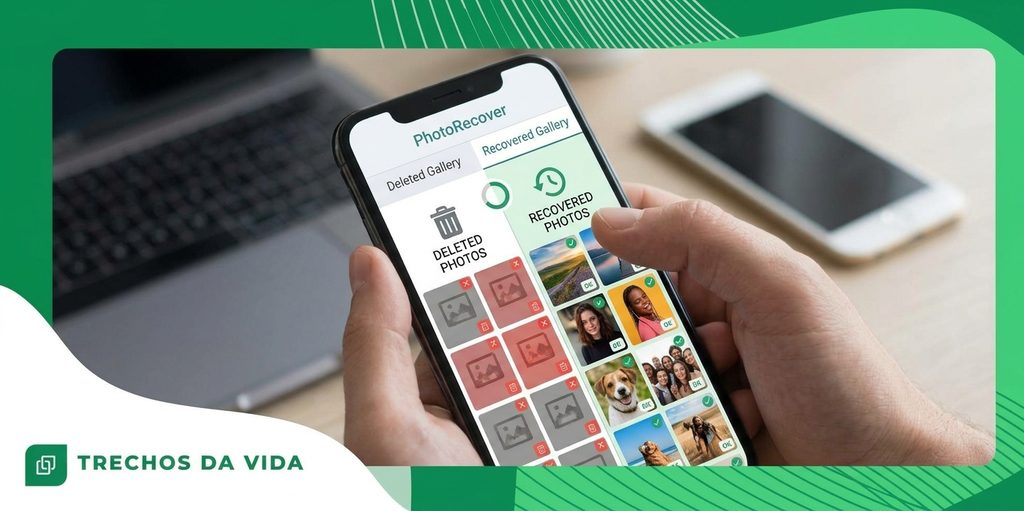
¿Eliminado por error? Dónde guardan los teléfonos las fotos, los vídeos y los archivos.
Deleted a photo, video or file by accident? Relax, there may be a way back.
Anuncios
Tap the one you lost below and follow the guide made for that kind of file.
Choose what you lost
Start with the photos guideSee the usual places where deleted pictures wait, then follow the steps for your phone.Muéstrame dónde mirarWhy deleted rarely means gone
That sinking feeling after a wrong tap is real. It is also often premature.
When you delete something, your phone does not destroy it on the spot. It marks that space as available for reuse and carries on with its day.
Picture a whiteboard wiped with a dry cloth. The writing looks gone, yet faint marks remain until someone writes over them.
Your phone works in a similar way. What it saves next decides how long the old data survives. That is why time matters so much, and why the first steps below are so simple.
Where phones keep deleted items
Both Android and iPhone keep a safety area for recent deletions. It is the first place to look.
- iPhone: open Photos, tap Albums, then Recently Deleted. Items usually stay there for about 30 days.
- Android: open your gallery or files app and look for Trash or Bin in the menu. The time limit varies by brand.
- Cloud backup: if Google Photos, Google Drive or iCloud was switched on, a copy may be waiting in its own trash.
- Another device: a tablet or an older phone signed in to the same account may still show the item.
If you find the item, select it and tap Restore. For many people, that is the whole job.
The first minutes matter
Put the phone down for a moment. Resist the urge to open five apps, clear storage or take test photos to see whether anything came back.
Every new action gives the phone a reason to write fresh data, and fresh data is what covers old data.
Switching on airplane mode helps, because it pauses downloads and background updates while you decide what to do next.
A calm ten minutes can protect more than any app you install later.
Photos, videos and files are different
The type of item changes what you should check, which is why each one has its own guide.
Photos are small and are often saved to the cloud without you noticing, so they can be the easiest to find.
Videos are heavy. New data can cover them sooner, so speed matters a little more.
Files depend on the app that created them. Some stay in a trash for a while and some do not.
None of this means you should give up. It means you should check every place before deciding.
Mistakes that make it harder
- Taking test photos to see whether the item came back.
- Downloading apps from unofficial websites.
- Saving a recovered item in the same place it was lost from.
- Giving up before checking the trash and your backup.
If you decide to try an app, use only the official store for your phone: Google Play on Android or the App Store on iPhone. Read the permissions and ask yourself whether they make sense for what the app claims to do.
Hábitos que te protegerán la próxima vez
Una vez que recuperes tu objeto, unos pequeños hábitos harán que el próximo accidente sea mucho menos doloroso.
- Turn on automatic backup so new items are saved soon after they are created.
- Keep some storage available, because a nearly full phone runs into trouble more often.
- Install system updates when they arrive.
- Pause for two seconds before deleting in a hurry.
A backup you check every few months is worth more than any rescue after the fact.
Tu próximo paso
Ahora ya sabes dónde van los elementos eliminados, por qué el tiempo es importante y qué lugares debes revisar primero.
Choose the guide that matches what you lost and follow it one step at a time.
Volver a las guías ↑Los resultados no están garantizados. El éxito depende del tiempo transcurrido desde la eliminación y del uso posterior del dispositivo.