TCL Tablets: What to Consider Before Choosing a New Model
You TCL tablets They carved out a unique space in the market by betting on a different approach: instead of just competing on raw processing specifications, the manufacturer decided to solve the chronic visual discomfort of those who spend the day staring at screens.
Advertisements
Identifying the ideal model requires looking beyond the basic technical specifications. It's necessary to understand how the display technology, chip architecture, and accessory ecosystem align with your study or work schedule.
To avoid poor choices or unnecessary expenses, we have structured this analytical guide with the key evaluation criteria and a practical overview of the brand's devices.
Summary
- What should you look for in the screen technology of TCL tablets?
- What are the main differentiating factors of NXTPAPER technology?
- How to choose the ideal processor and performance?
- How important is battery life and charging speed?
- Which artificial intelligence and productivity features should you evaluate?
- Technical Comparison: Main TCL Tablet Models
- Conclusion
- Frequently Asked Questions (FAQ)
What should you look for in the screen technology of TCL tablets?
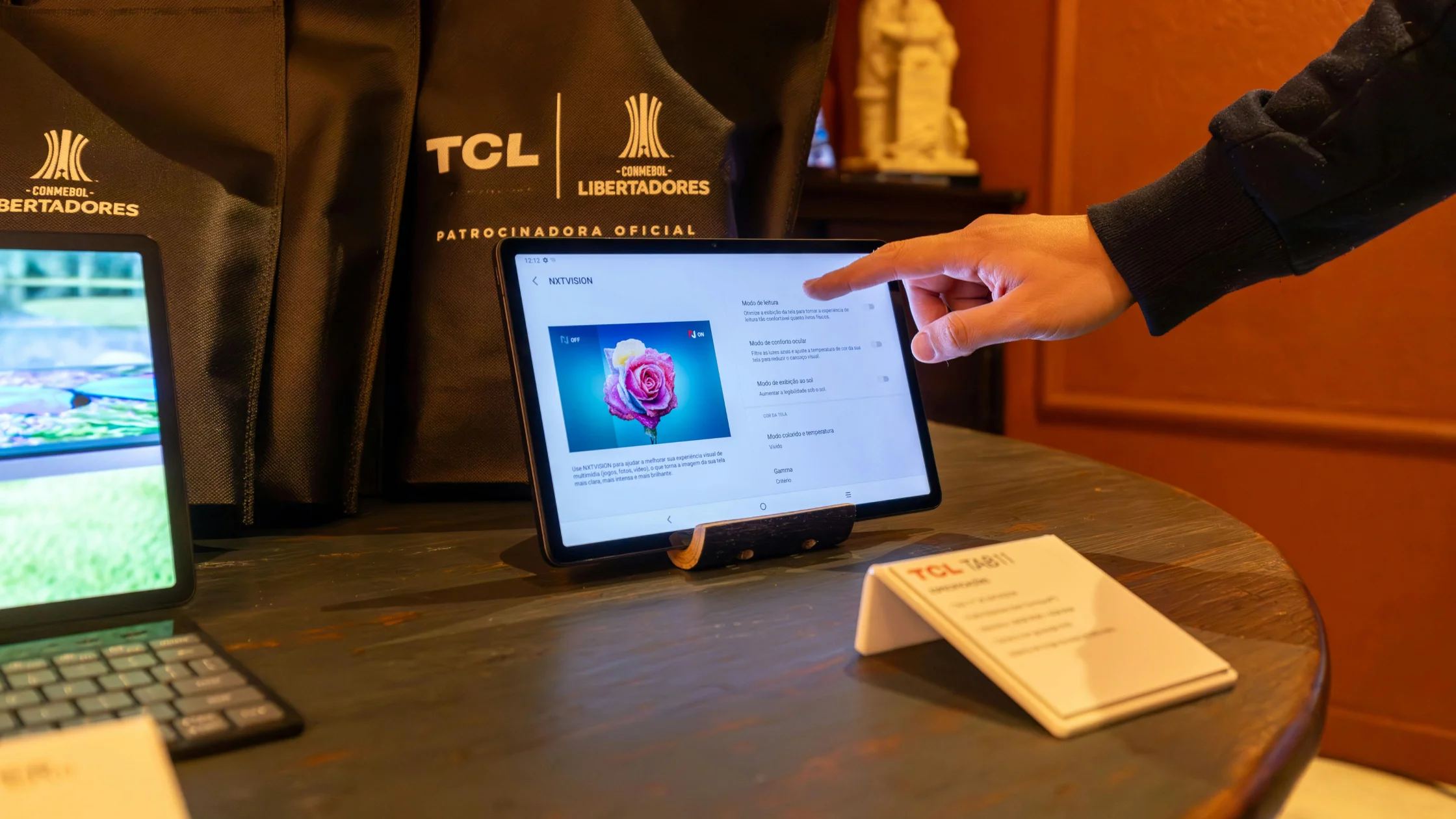
The screen is the primary interface of any portable device, but in our TCL tablets It takes on an even more central role due to the brand's engineering choices.
While entry-level models utilize traditional IPS panels with good color fidelity, mid-range and advanced versions feature optical filtering layers that radically alter the user experience.
The refresh rate deserves special attention. 90 Hz or 120 Hz panels offer noticeable fluidity in scrolling documents and in touch response, something fundamental for those who intend to draw or take notes freehand.
Also check the maximum brightness level in nits. A sharp panel is useless if navigation in bright environments or outdoors is compromised by excessive reflections.
What are the main differentiating factors of NXTPAPER technology?
There is something genuinely interesting about the approach of NXTPAPER technology present in TCL tablets selected.
Instead of simulating reading books through the slow contrast of e-ink, the manufacturer developed a multi-layered solution that disperses light before it reaches the eyes, creating a matte tactile finish.
The result is the near-total elimination of reflections from overhead lights or sunlight, as well as a drastic reduction in the emission of harmful blue light without distorting the original colors.
For those who spend long hours reading PDFs, ebooks, and complex reports, this architecture makes a huge difference in eye strain at the end of the day.
How to choose the ideal processor and performance?
The balance between the processor and RAM dictates the useful lifespan of the... TCL tablets They will deliver under heavy use.
Entry-level platforms, such as MediaTek Helio chipsets, handle video calls, browsing with few tabs, and high-definition video playback with ease, while maintaining low energy consumption.
However, demanding workflows — involving light image editing, managing heavy spreadsheets, and having multiple applications open simultaneously — require the efficiency of the Qualcomm Snapdragon line.
It's also worth checking for the presence of dynamic RAM management, a feature that allocates part of the internal storage to keep secondary processes active without crashing.
To check detailed hardware specifications and display certifications, visit the website. TCL Brazil.
How important is battery life and charging speed?
The promise of mobility offered by a laptop falls apart if you're constantly dependent on a power outlet throughout your day.
In the brand's most recent models, batteries range from 8,000 mAh to 10,000 mAh, a sizing consistent with 11- to 12-inch screens.
This capability ensures enough power to get through a full day of studying away from home without any problems or the need for aggressive energy-saving devices.
Check the power of the supported charger: fast charging standards between 20W and 33W via USB-C prevent the device from being plugged into the wall for hours on end.
++ Technologies that help you sleep better: what really works?
Which artificial intelligence and productivity features should you evaluate?
The integration of smart features in TCL tablets It aims to reduce operational friction in the daily workflow.
Native tools for real-time audio transcription, summarization of lengthy texts, and integration with assistants like Gemini help to quickly organize meeting and class notes.
Operating system features such as intuitive split-screen and floating windows allow you to search for references while writing a report on the other half of the panel.
When combined with the T-Pen active stylus and covers with a magnetic physical keyboard, these tablets can cover almost all the everyday needs of a traditional notebook.
++ eSIM: How the technology is replacing physical chips in smartphones.
Technical Comparison: Main TCL Tablet Models
We've gathered the most relevant hardware data from the main models to make cross-referencing information easier:
| Model | Screen / Resolution | Processor | RAM Memory / Storage | Battery | Included Accessories |
| TCL Tab A1 | 11” IPS 2.1K (90Hz) | MediaTek Helio G100 | 6 GB / 128 GB | 8,000 mAh | Protective cover |
| TCL Tab A1 NXTPAPER | 11” NXTPAPER 2.1K (90Hz) | MediaTek Helio G100 | 6 GB / 128 GB | 8,000 mAh | Protective cover |
| TCL Tab A1 Plus NXTPAPER | 12.2” NXTPAPER 2.4K (120Hz) | Snapdragon 4 Gen 2 | 6 GB / 256 GB | 10,000 mAh | Keyboard Cover + T-Pen 2 |
Why has the digital writing experience changed on TCL tablets?
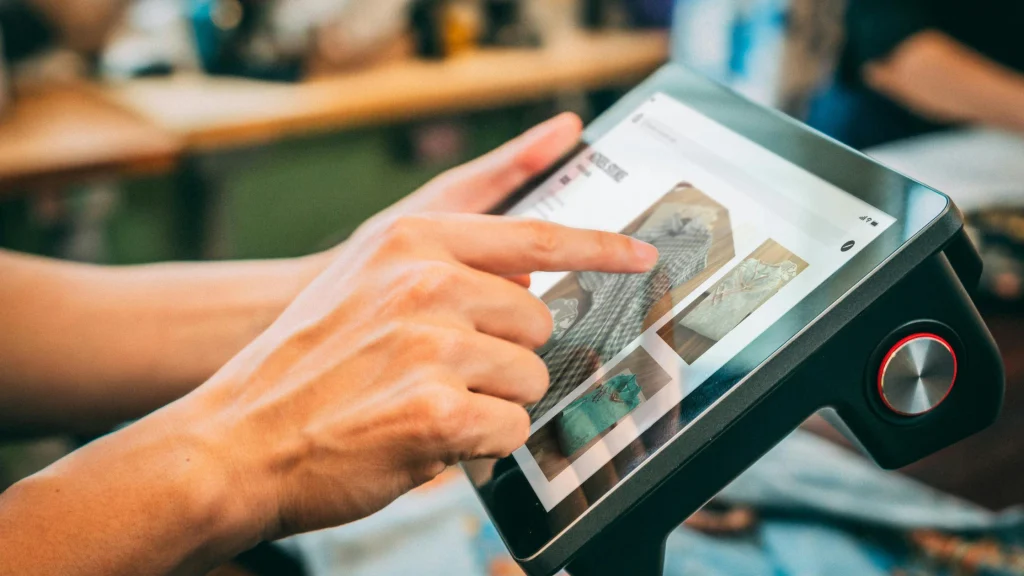
The productivity ecosystem has evolved to meet the demands of those seeking precision when scribbling, highlighting reports, or taking notes during lengthy meetings without interruption.
The combination of the matte screen's tactile response and the ultra-low latency of active pens ensures that TCL tablets offer a natural fluidity for everyday use.
This precise integration transforms the portable device into a dynamic notepad, replacing physical notebooks without losing the traditional tactile feel of human writing.
++ Wi-Fi 7: Is it worth changing your router?
Conclusion
Evaluate the options for TCL tablets It involves recognizing your own usage profile before being impressed by isolated numbers.
NXTPAPER technology shines for those who prioritize continuous reading and visual comfort, while models equipped with Snapdragon processors are better suited for those who need versatility and processing power.
Properly assessing storage needs, battery life, and the usefulness of included accessories ensures a precise and functional investment that will last a long time.
To keep up with detailed practical tests and trends in the mobile technology market, it's worth following the analyses of... Canaltech.
Frequently Asked Questions (FAQ)
Are TCL tablets worth it for those who study for many hours a day?
Yes, especially models with NXTPAPER technology, developed to reduce eye strain by simulating the visual texture and reflection of a sheet of paper.
What is the NXTPAPER technology found in TCL tablets?
It is a multi-layered screen solution that eliminates reflections from external lights, filters blue light emission, and offers a satin touch, while preserving contrast and color fidelity.
Do TCL tablets support styluses and magnetic keyboards?
Several models have native support for the T-Pen and keyboard covers, with some versions already including these items in the original packaging.
Is it possible to expand the internal storage of TCL tablets?
Most devices have a microSD card slot, allowing you to expand the internal storage space to store documents, books, and large files.