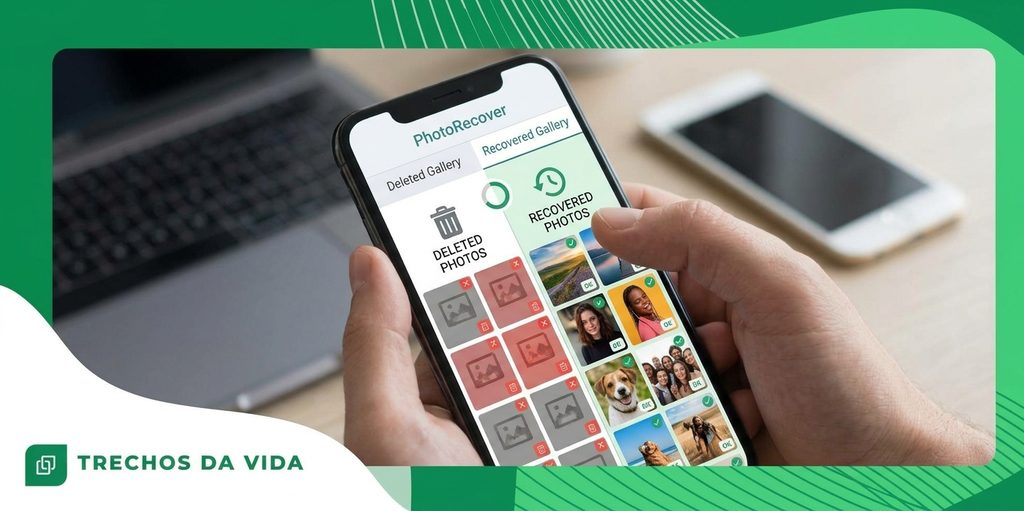
Lost a photo, video or file? Where to look first on Android and iPhone
Lost a photo, video or file by mistake? Relax, it may not be gone for good.
Anúncios
Pick what went missing below and open the guide made for that kind of file.
Pick what went missing
Begin with the photos guideLearn where deleted pictures usually wait, then follow the steps made for your phone.Show me the stepsWhat deleting really does
One wrong swipe and your stomach drops. Take a breath, because the story is rarely over.
A phone does not wipe an item the moment you delete it. It first moves it aside, and later it simply stops protecting the space it used.
Imagine a map where a street name has been rubbed out. The street is still there, and it stays that way until builders pave over it.
Your phone behaves much like that map. New photos, downloads and updates are the builders, and they decide how long the old data survives. The less you do now, the better your chances.
The first places to look
Both major systems keep a short-term safety area. Check it before anything else.
- iPhone: open Photos, go to Albums and scroll to Recently Deleted. Items normally wait there for about 30 days.
- Android: open your gallery or files app and look for Trash or Bin in its menu. How long items stay depends on the brand.
- Cloud backup: if Google Photos, Google Drive or iCloud was active, a copy may sit in its own trash folder.
- Another device: a tablet or an older phone using the same account may still display the item.
Found it? Select the item and tap Restore. For plenty of people, that settles everything.
What to do in the first ten minutes
Set the phone down for a moment. The urge to open apps, tidy storage or snap test pictures is strong, but each of those actions writes new data.
New data is exactly what can cover the old item. Doing less is the smartest move right now.
Airplane mode is a simple helper. It pauses downloads and background updates while you work out your next step.
Ten quiet minutes can do more for you than any app you install afterwards.
Photos, videos and files behave differently
Each kind of item has its own quirks, which is why this site offers a separate guide for each one.
Photos are small and are often copied to the cloud without you noticing. That can make them the easiest to find.
Videos take up a lot of room, so new data can cover them sooner. If a video is missing, act a little faster.
Files depend on the app that made them. Some are kept in a trash for a while, while others are removed at once.
That is no reason to give up. It is a reason to check every place before you decide.
Common mistakes to skip
- Taking test photos to see whether the item has returned.
- Installing apps from unofficial websites.
- Saving a restored item to the place it was lost from.
- Stopping before the trash and the backup have been checked.
If you ever try a recovery app, use only the official store for your phone, which is Google Play on Android and the App Store on iPhone. Read the permissions and ask whether they fit what the app says it does.
Small habits that help later
After you get your item back, a few easy habits make the next slip far less stressful.
- Switch on automatic backup so new items are saved shortly after you create them.
- Leave some storage available, since a nearly full phone is more likely to misbehave.
- Install system updates when they arrive.
- Wait two seconds before deleting in a hurry.
A backup you check every few months is worth more than any rescue after the fact.
Your next step
You now know where deleted items go, why time matters and which places deserve a look first.
Pick the guide that matches what you lost and follow it one step at a time.
Back to the guides ↑Results are not guaranteed. Success depends on the time since deletion and on how the device was used afterwards.